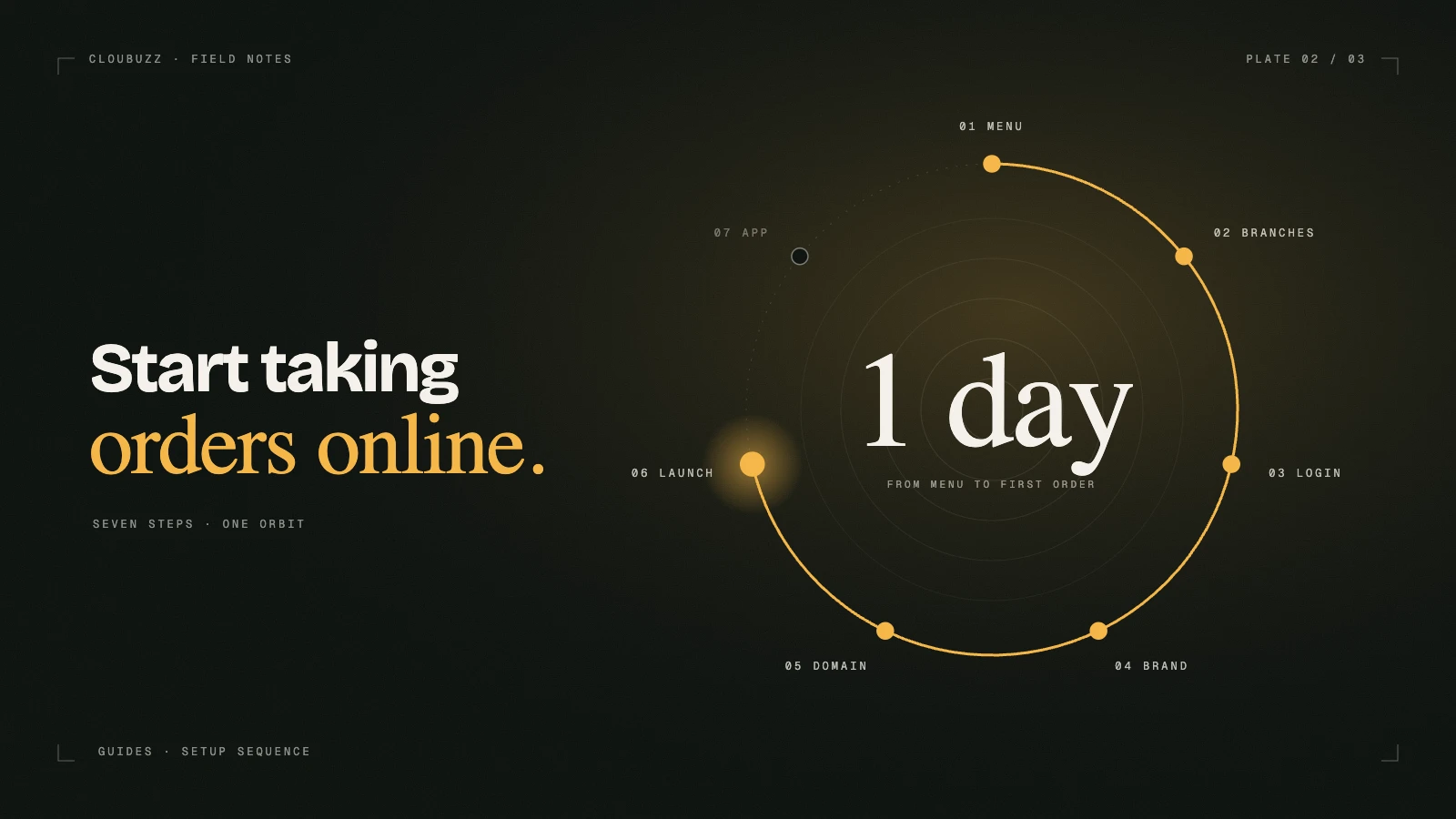
Taking orders online doesn't need a big IT team or months of work. Most restaurants can be live in a day if they prepare a few things first. Here is the order we recommend.
1. Get your menu ready
Your menu is the heart of your ordering site. Before you start, collect:
- Categories — deals, pizzas, burgers, drinks and so on
- Items with prices, and a short description for each
- Sizes like small, medium and large, with their prices
- Add-ons such as extra cheese or a drink upgrade, with their prices
- Photos, if you have them; good photos sell more
If you already have a website or an ordering page somewhere, Cloubuzz can bring the whole menu over for you, with sizes, add-ons, branches and delivery areas.
2. Set up branches and delivery areas
Each branch needs its address, phone number and opening hours. Then decide where each branch delivers:
- Draw delivery zones on the map, or use a simple radius
- Set a delivery fee and minimum order for each area
- Orders then go to the right branch automatically
If you're in more than one city, you can also set tax city by city.
3. Choose how customers sign in and pay
Customers in Pakistan prefer to log in with their phone. With Cloubuzz they get a code on WhatsApp or SMS, and their addresses and past orders are saved for next time.
Cash on delivery still makes up most orders, so make sure your riders and branches are ready to handle cash properly.
4. Make it look like your brand
Your website should feel like your restaurant, not a template. Pick a design, then set your logo, colours, fonts and banners. A few things matter most:
- A clear deals section near the top
- Big, tappable buttons on phones, since most orders come from mobile
- Fast-loading photos
5. Connect your own domain
Ordering from yourrestaurant.com builds far more trust than a long link. Add your domain in your account, update the DNS records shown to you, and the security certificate is set up automatically.
6. Get your first orders
Going live is only the start. To get orders flowing:
- Share the link on your Instagram, Facebook and WhatsApp status
- Put a QR code on tables, boxes and flyers
- Run an "order direct" offer for the first few weeks
- Add your website link to your Google Business profile
7. Add an app and riders when you're ready
Once orders are coming in, an Android app in your brand lets you send push offers straight to customers' phones. If you run your own riders, the Raftaar rider app handles dispatch, live tracking and cash on delivery.
Ready to start?
Setup, design and menu import are free on Cloubuzz, and your site stays private until you publish it. Compare plans or create your restaurant.