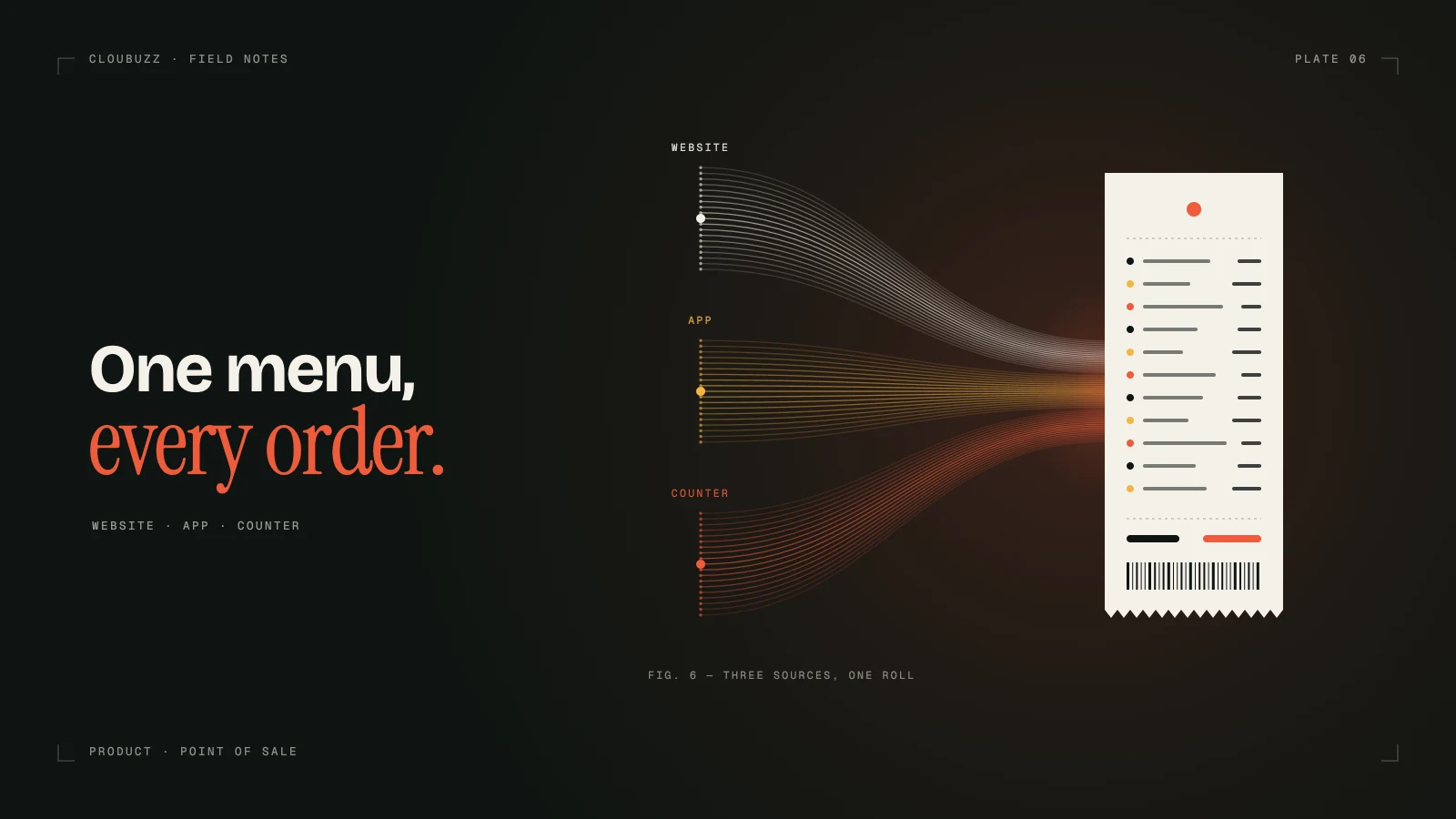
A till used to have one job: take the order, print the bill, count the cash. Now the same kitchen gets orders from the counter, the phone, the website and an app, often all at once. A restaurant POS with online ordering brings them into one place. Here is what to look for before you choose one in Pakistan.
The problem with two systems
In many restaurants the POS and the website know nothing about each other. You have seen what happens:
- A price changes at the counter, but the website still shows the old one
- An item is finished, and online customers keep ordering it
- Staff read web orders from one screen and type them again into the till
- At night, three reports have to be added up by hand
Each is small. Together they cost time, mistakes and arguments with customers.
1. One menu for counter and online
This is the most important check. Items, sizes, add-ons, deals and prices should be entered once and used everywhere. Ask to see it live: change a price, then refresh the website and the till.
If you have branches, the menu should also allow different prices, items and hours per branch without making a copy of everything.
2. Every order type on one screen
The cashier should be able to take:
- Dine-in with a table
- Takeaway at the counter
- Delivery with an address, fee and rider
Online orders should arrive beside these, marked clearly as website or app, so the kitchen works from one line.
3. Speed at the counter
On a Friday night every tap matters. Try it with a real order: a large pizza, two add-ons, one drink changed. Look for:
- Large, clear items that work by touch
- Quick search for long menus
- Hold an order and come back to it
- Discounts with a limit on who can give them
- A clean printed receipt
4. Shifts and cash that add up
Cash is where money quietly goes missing. A good POS makes each cashier responsible for their own drawer:
- Open the shift with a float
- Record each sale and any cash taken out
- Close by counting the drawer against what the system expects
If the difference is visible the same night, it stays small.
For delivery the same rule applies to riders. We covered it in running your own delivery riders.
5. Tax and receipts
Sales tax on restaurants is provincial, so rates can differ between cities, and sometimes by payment method. Your POS should let you set tax by city or branch.
Depending on where you are and the size of your business, you may also have to connect to a tax authority system, such as FBR, PRA or SRB. Rules change, so ask your tax adviser what applies to you, and ask the vendor for proof if you need that integration.
6. Roles and branches
A cashier doesn't need to see the whole company's sales, and a branch manager shouldn't edit another branch's menu. Check that you can give each person only what they need, and that the owner can see all branches together.
7. What happens when the internet drops?
Every vendor should answer this clearly. Ask what still works offline, what doesn't and how orders are recovered. Then plan a backup, such as a mobile data connection at the counter.
Questions to ask every vendor
- Is online ordering part of the system or a separate product connected to it?
- Is there a commission on counter orders, online orders or both?
- Which hardware do I need, and can I use what I have?
- Can I export my menu, customers and sales?
- Who helps us at 10 pm on a weekend?
How Cloubuzz does it
The Cloubuzz POS runs on the same menu and prices as your website and app. It handles dine-in, takeaway and delivery, with shifts, opening float and cash drawer, held orders, discounts and printed receipts. Menu, prices and tax can be set branch by branch.
Orders from the website, app and POS come to one live dashboard, and each one shows where it came from. With your own riders you can send a delivery order straight to them.
Common questions
Can I keep my current POS and only add a website?
Yes. Many restaurants start with the ordering website and take web orders from the dashboard. You can look at the POS later.
What hardware do I need for a restaurant POS?
Cloubuzz POS opens in a browser, so a computer or tablet with a screen large enough for your menu, and a receipt printer. Check your exact printer with us before you buy.
Can I move my menu from my old system?
Cloubuzz can bring your menu over from your current ordering website for free, or work from a photo or PDF of it.
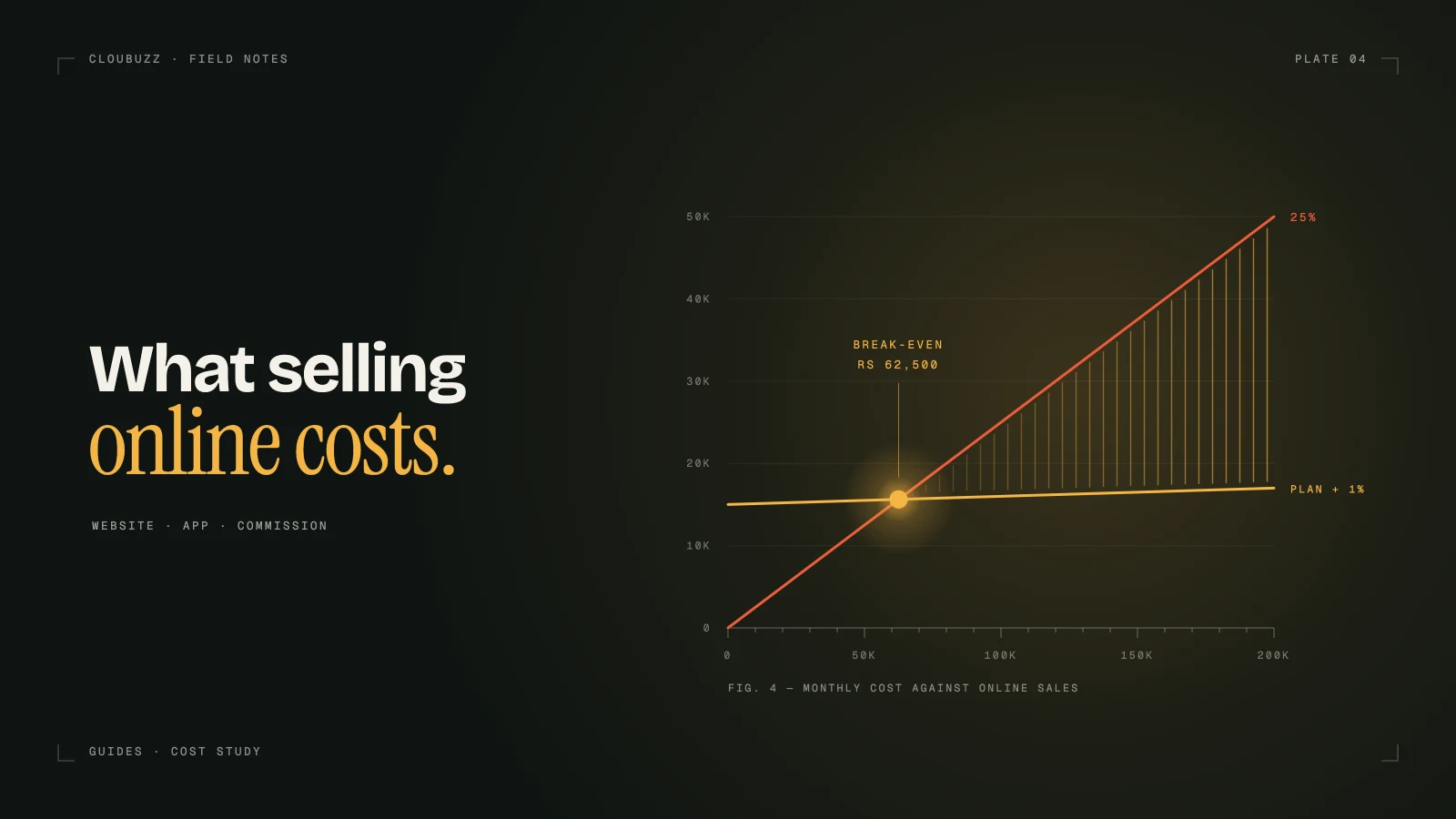
Does the 1% apply to counter sales?
No. The 1% is for orders placed online through your website or app.
Try it with your own menu
A demo with somebody else's menu tells you very little. Import yours, take ten test orders and see how it feels. Compare plans or start free.